AI front desk for appointment-driven businesses
Your AI front desk.Connected to your business.
Paste your website. NLDONA learns how you work, then answers questions, books appointments, and follows up — with every action under your review.
- Public website information only
- Nothing goes live without your review
- English, German, and Arabic
YouHi — can I move my Thursday appointment to Friday morning?
AgentOf course. Friday 09:30 or 11:00 is open. Which suits you better?
YouFriday at 11:00, please.
AgentDone — Friday 11:00 is reserved and your reminder is set.
Governed action
Appointment rescheduled
- Friday · 11:00
- Reminder scheduled
- Inside your booking rules
AI handles the conversation. NLDONA records the action under your business authority.
Product story
One conversation. Real business action.
Most AI tools stop at a friendly reply. NLDONA carries the conversation through to something your business can rely on.
01
A customer asks
Someone calls or writes about availability, opening hours, a service, or an appointment they already have.
02
NLDONA understands
The request is read against your services, hours, locations, and policies — the details you reviewed and approved.
03
A governed action is prepared
Book, reschedule, cancel, or hand the conversation to your team — inside the limits you set, never outside them.
04
The result is recorded
The appointment, reminder, or handoff is written once, so your team and your calendar see the same truth.
Capabilities
Everything your front desk handles daily
Ordinary front-desk work, done the way you would do it.
Answer
Questions about hours, services, locations, and what you offer get a clear answer in your customer's language.
Schedule
Check availability, book, reschedule, or cancel — following your rules for notice, duration, and staff.
Communicate
Confirmations, reminders, and follow-up messages go out on the channel the customer started on.
Remember
Returning customers are recognised with their history, so nobody has to repeat themselves.
Coordinate
When a request needs a person, the conversation is handed over with the full context attached.
Operate
Every booking and message stays visible in one place your team can review and correct.
Solutions
One system. Three ways your customers meet it.
AI Receptionist, AI Secretary, and Customer Assistant are experiences of the same NLDONA core — not separate systems you have to stitch together.
Front of house
AI Receptionist
Takes the call or the website chat, understands the request, and books it straight into your schedule.
- Answers from your approved business details
- Books, reschedules, and cancels
- Hands off to a person when it should
Behind the scenes
AI Secretary
Keeps the day tidy: confirmations, reminders, follow-ups, and the small loops a busy team forgets.
- Sends confirmations and reminders
- Follows up on open requests
- Keeps your calendar and records aligned
For your customers
Customer Assistant
Gives returning customers a direct way to check, move, or cancel what they already booked.
- Recognises returning customers
- Self-service reschedule and cancel
- Follows the same rules as your front desk

YouDo you have anything for a check-up next week?
AgentTuesday 14:00 and Wednesday 09:00 are free. Shall I hold one for you?
YouTuesday works.
AgentReserved for Tuesday 14:00. You'll get a reminder the day before.
- Action
- Appointment booked
- When
- Tuesday · 14:00
- Service
- Check-up · 30 min
- Reminder
- One day before
Recorded once — no second data entry for your team
Illustration of a NLDONA conversation. Your own demo uses your website details.
Voice
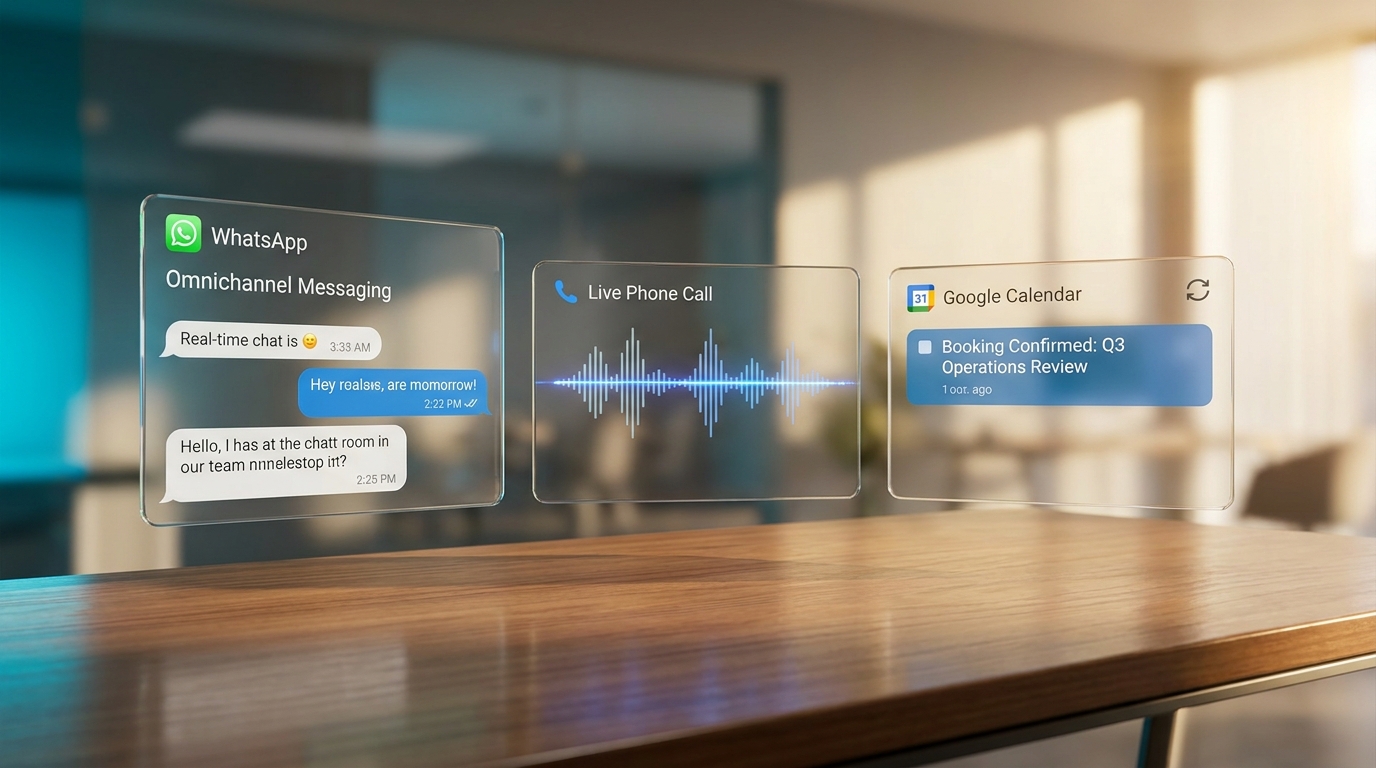
Spoken conversations that answer questions and schedule without a phone tree.
Website Chat
A chat on your own site that knows your services, hours, and policies.
WhatsApp
Conversations and confirmations on the channel many customers prefer.
Public Booking
A public page where customers book only the slots you allow.
We do not claim every channel is live everywhere. Your activation decides which ones are switched on for you.
Integrations
Connected to the tools you already run on
These are the integrations NLDONA supports today.
Google Calendar
Scheduling stays in the calendar your team already opens every morning.
Microsoft Calendar
The same scheduling authority for Microsoft 365 calendars.
Gmail
Handles the email side of a conversation from your business mailbox.
Google Drive
Reads the documents you point NLDONA at, so answers come from your own material.
More integrations are added deliberately. If it is not on this list, it is not connected yet.
Industries
Built for businesses that live on appointments
One core product, described in your words. NLDONA learns your services, hours, and policies instead of shipping a different system per industry.
- Dental & clinics
- Salons & wellness
- Restaurants & hospitality
- HVAC
- Plumbing
- Electrical & solar
- Construction & trades
- Law firms
- Logistics
- Real estate
- Retail
Your setup comes from your own website and your review — not from an industry template.
How it works
From your website to a working demo
Four steps, and you stay in control at every one.
01
Enter your website
Paste your public address. NLDONA reads only what is publicly available.
02
Review what we found
Services, hours, locations, and contact details — correct or complete anything before you continue.
03
Try your demo agent
Talk or chat with an agent built from your reviewed details. It is a simulation; nothing real changes.
04
Activate when you're ready
Create your workspace and decide what goes live. Nothing is published until you say so.
Pricing
Plans you can read before you commit
NLDONA publishes its commercial plans itself — this page never invents a price.
Commercial plans appear here when NLDONA publishes them for launch.
Trying the demo needs no account and no card.
See full pricingTrust
Authority stays with your business
NLDONA is built so an AI conversation can never quietly become business truth.
AI talks, NLDONA decides
Model output is not business authority. Actions are recorded by the platform inside the rules you set.
Review before anything is live
Website intake and demos are reviewed by you, and production changes need your confirmation.
Public information only at intake
Reading your website is bounded and limited to publicly reachable pages.
No certification claims
We do not claim SOC 2, ISO, HIPAA, or PCI certification. Formal audits are published when earned.
FAQ
Questions businesses ask first
Short answers about what NLDONA does today.
What does NLDONA actually do?
It works as your front desk: it answers customer questions, books, reschedules, and cancels appointments, sends confirmations and reminders, and hands a conversation to your team when a person is needed.
Do I need to install anything to try it?
No. Paste your public website address, review the details NLDONA found, and talk to a demo agent in your browser. No account and no card are needed for the demo.
Which channels can NLDONA work on?
Voice and website chat are available in your demo. WhatsApp and a public booking page are supported by the platform and are switched on per business during setup.
Which tools does NLDONA connect to today?
Google Calendar, Microsoft Calendar, Gmail, and Google Drive. Anything not on that list is not connected yet.
Can the AI do something I did not approve?
No. AI handles the conversation, but every booking, change, or message is recorded by NLDONA inside the rules you set. Model output is never business authority.
Does NLDONA work for my industry?
NLDONA is built for appointment-driven businesses such as clinics, salons, restaurants, trades, law firms, logistics, and retail. Your setup comes from your own services, hours, and policies rather than an industry template.
Which languages does it support?
The public experience and the demo work in English, German, and Arabic, including right-to-left layout.
Start now
See it with your own business details
Paste your website and talk to an AI front desk that already knows your services and hours.
Public information only. Nothing is published without your review.